Displaying the Session Timer in Internet Explorer 7
Submitted by Evan Brown
As Brenda mentioned, NBS 1.1.7 includes a session timeout clock in the status bar at the bottom of the browser window. This countdown timer makes it easy to see at a glance how long one has before the current session will time out.

While users of Internet Explorer 6 can see the timer message in the new NBS version by default, people using IE 7 may need to modify a setting for the application to display text in the status bar.
Here is how to display the session timer in Internet Explorer 7:
- On the menu bar, click Tools, and select Internet Options
- Go to the Security tab, select the Internet zone, and click on the Custom level button.
- In the listbox, scroll down to “Allow status bar updates via script”, select Enable, and then click OK on all dialog boxes.
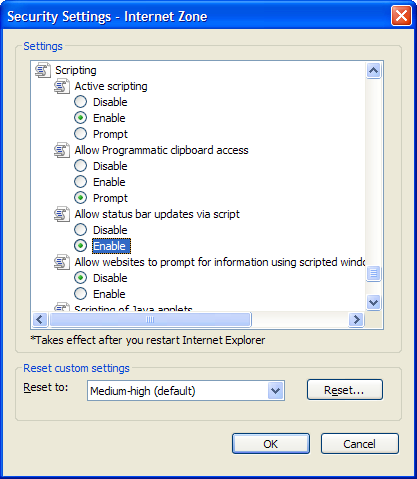
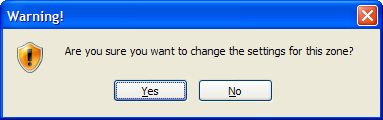
- If you encounter a warning dialog box like the one pictured below, simply click Yes.
If ALNBS is currently open, a page refresh should make the timer appear.
